
Setting Up Personalised Avatars in Gula Stories
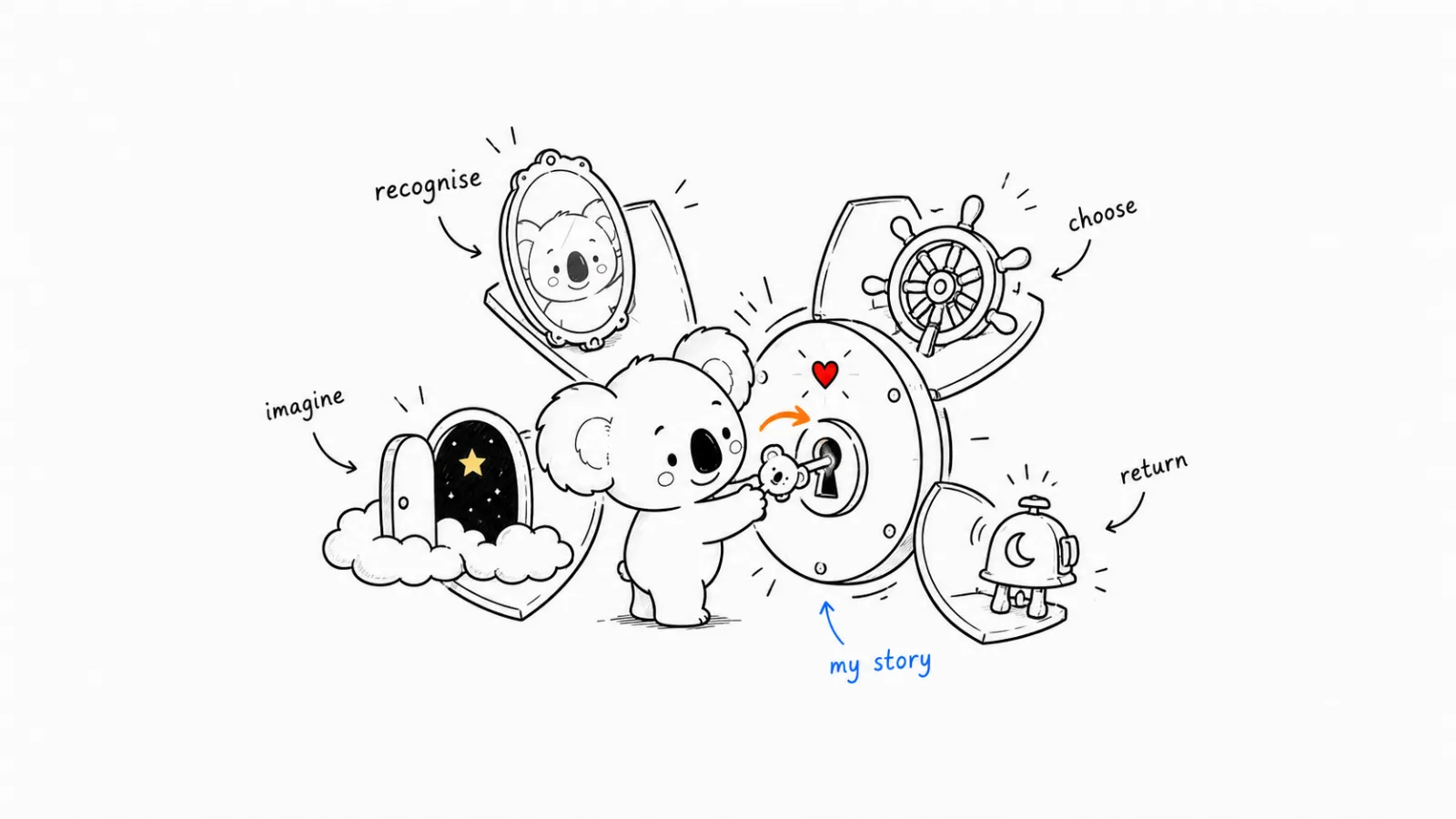
A personalised avatar can help a child feel recognised and involved in the story experience. Keep the avatar-building pr
Key Takeaways
- ●A personalised avatar can help a child feel recognised and involved in the story experience.
- ●Keep the avatar-building process simple: let your child choose a few meaningful features without turning bedtime into a long design session.
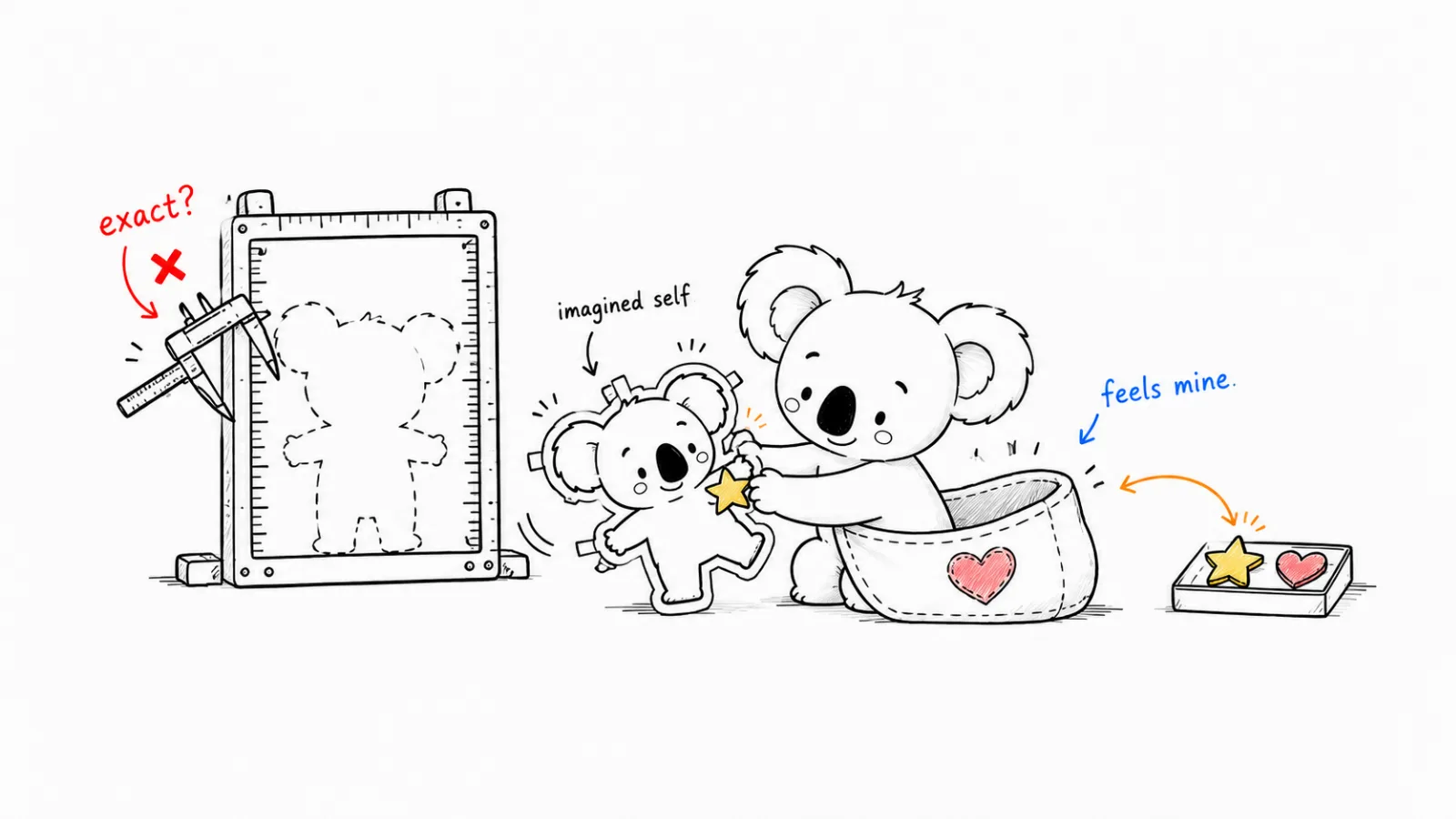
- ●Aim for comfortable recognition rather than an exact likeness; imaginative avatars work well too.
- ●Check the finished avatar together and update it when your child’s preferences change.
- ●Personalisation supports engagement, but calm narration, suitable stories and a consistent routine still matter.
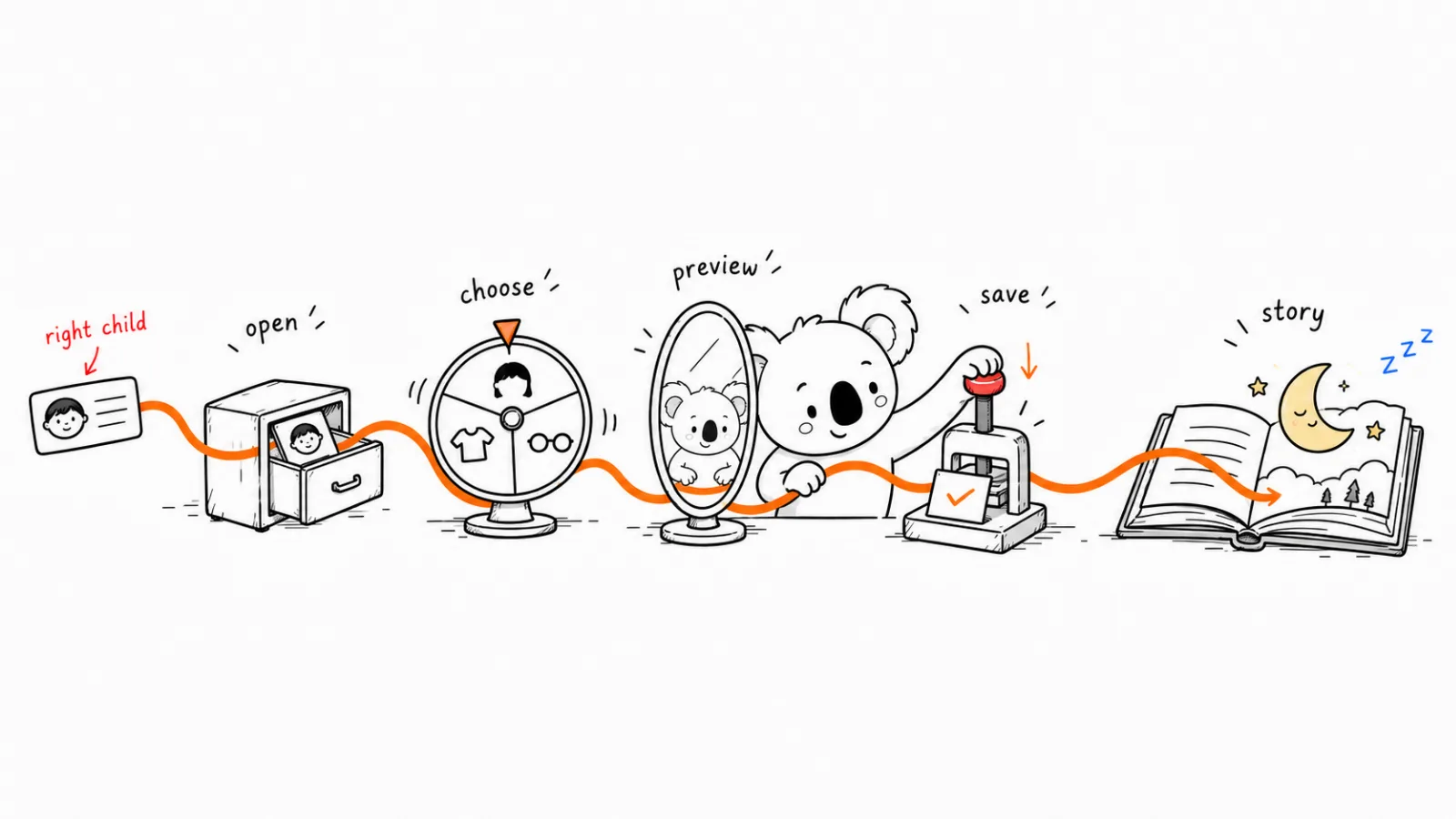
Personalised avatars in Gula Stories allow children to create a character that feels like their own and use that sense of identity to connect with bedtime storytelling. Setting one up should take only a few choices: open the avatar or profile area, select the available appearance options with your child, preview the result and save it.
This guide explains why avatars can encourage engagement, how to make the setup process child-friendly and what to do when siblings share a device.
Why Personal Avatars Can Make Stories More Engaging
Young children often pay closer attention when they can recognise something of themselves in an activity. An avatar provides a simple point of connection: instead of entering the app as an anonymous user, the child has a visual identity associated with their stories.
That involvement can help in several practical ways:
- ●Recognition: A familiar avatar helps children identify their own profile or story space.
- ●Ownership: Choosing features gives children an appropriate amount of control.
- ●Imagination: The avatar can become a bridge between the child’s real identity and the fictional world.
- ●Routine: Seeing the same character at story time can act as a familiar cue within the bedtime sequence.
An avatar does not need to reproduce a child’s appearance precisely. Some children want matching hair, skin tone or accessories; others prefer a playful character that reflects how they imagine themselves. Both approaches are valid.
The most useful question is not “Does this look exactly right?” but “Does my child feel that this character belongs to them?”
How to Set Up a Personalised Avatar
The precise labels and available choices may vary by app version, but the basic process is straightforward.
| Step | What to do | Practical tip |
|---|---|---|
| 1. Open the relevant profile | Go to your child’s profile or the area used to manage their avatar. | Confirm that you are editing the correct child’s profile if the device is shared. |
| 2. Choose the available features | Work through options such as appearance, hair, clothing or accessories where offered. | Start with the feature your child cares about most. |
| 3. Preview the avatar | Look at the complete character before saving. | Ask one focused question: “Does this feel like your character?” |
| 4. Save the selection | Confirm the avatar so it remains associated with the profile. | Return to the profile once to check that the change was saved. |
| 5. Begin a suitable story | Move into the normal story-selection and bedtime routine. | Avoid continuing to edit once your child is settled for sleep. |
Gula Stories combines personalised avatars with age-appropriate recommendations, calm narration and multiple natural voices in an ad-free environment. The avatar is one part of that experience rather than a substitute for choosing a suitable story and maintaining a calm routine.
Make Avatar Choices Easy for Young Children
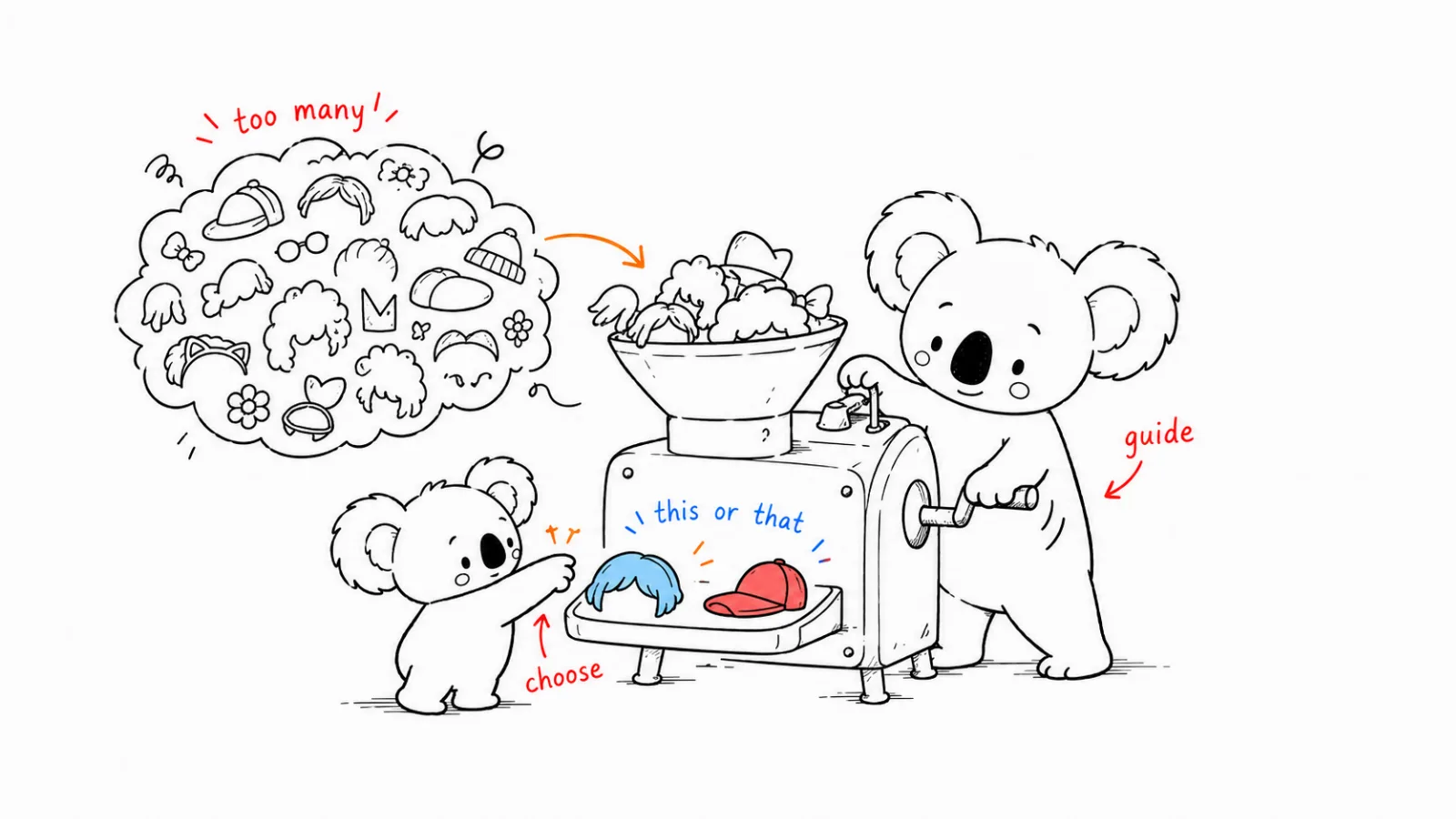
Too many open-ended decisions can make a simple activity feel tiring, especially at the end of the day. Children aged two to eight usually benefit from clear, limited choices.
Instead of asking, “What should your avatar look like?”, try questions such as:
- ●“Would you like this hairstyle or that one?”
- ●“Should your character wear the blue option or the red one?”
- ●“Do you want the avatar to look like you or like an imaginary character?”
Let the child make the choices that feel important while the adult handles navigation and saving. If the available options do not exactly match what the child wants, acknowledge it plainly: “That exact style is not here, so let’s choose the one you like most.”
It also helps to separate setup from bedtime when possible. Create the avatar during the afternoon or before the bedtime routine begins. That keeps the evening focused on listening and winding down rather than repeatedly comparing visual options.
A useful boundary is to complete one version, use it for several stories and revisit it later if needed. Children’s preferences change, and an avatar does not have to be permanent.
Managing Avatars for Siblings and Shared Devices
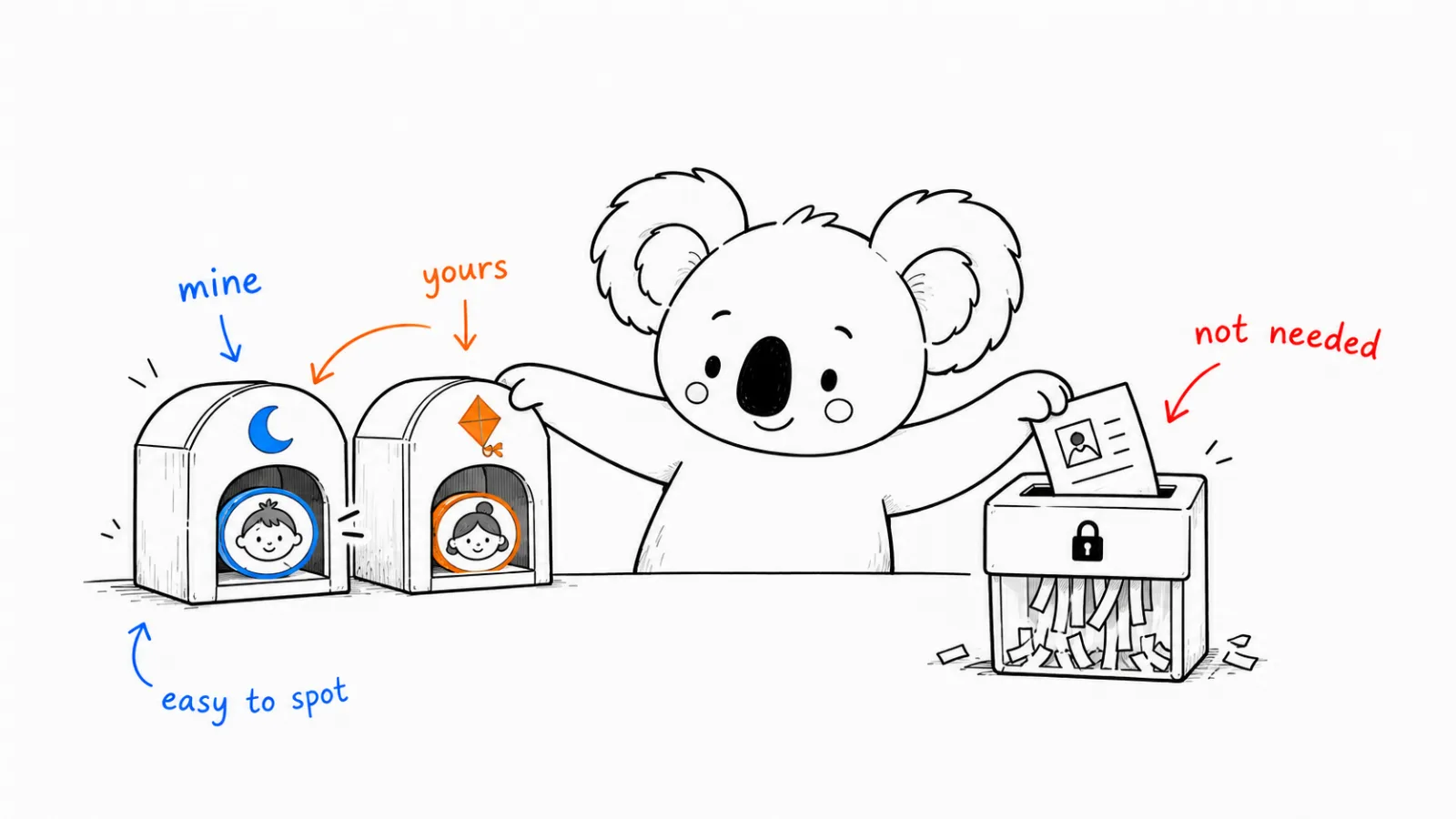
When more than one child uses the same device, each child should be able to recognise which profile belongs to them. Distinct avatars can reduce confusion and give siblings an individual connection to the app.
Consider these practices:
- ●Let each child make their choices separately so one sibling does not dominate the process.
- ●Use visibly different features when children might otherwise confuse their profiles.
- ●Check the selected profile before beginning a story.
- ●Agree in advance when avatars may be changed, particularly if frequent editing causes disagreements.
- ●Avoid including identifying details that are unnecessary for the experience.
Parents should also review the app’s current privacy information and device settings before creating profiles or entering personal information. An avatar can feel personal without requiring a child’s full name, photograph or other sensitive details.
FAQ
What if my child wants an avatar that looks nothing like them?
That is usually fine. An avatar can represent a child’s imagination rather than their physical appearance. A fantasy-inspired character may offer just as much ownership and engagement as a close likeness.
How often should we update the avatar?
There is no required schedule. Update it when your child’s preferences have clearly changed or when choosing a new look would renew their interest. If editing starts to delay bedtime, arrange to make changes during the day.
Should parents create the avatar or let the child do it?
A shared approach works well for most families. The parent can manage the controls and boundaries while the child chooses among suitable options. Younger children may need two-choice prompts; older children may prefer more independence.
What if my child is not interested in personalisation?
Do not force it. Some children connect more strongly with the story, narrator or routine than with an avatar. Choose a simple character together—or let the adult complete the setup—and focus on the part of the experience the child enjoys.
The Bottom Line
A personalised avatar can make a kids’ app feel more familiar by giving the child a recognisable identity and a manageable role in setting up the experience. Keep the choices simple, save the finished character to the correct profile and treat future changes as optional. The goal is not a perfect digital likeness, but a character your child is comfortable seeing at story time.
Ready for calmer bedtimes?
Try Gula Stories free — 5 narrated bedtime stories, ad-free, for children ages 3-8.